See every AI tool your team uses, on every device, in real time. Set which tools are approved, block unauthorized AI apps, redirect users to sanctioned alternatives, and maintain a full audit trail — all without adding friction for your team.
Device Control runs silently on every team device — browser and desktop — enforcing your AI policies and reporting back to a single governance dashboard in real time.
Push the PrivacyPal agent to your team via MDM or a download link. No VPN. No network reconfiguration. No IT ticket required. One installer covers browser extension and desktop app.
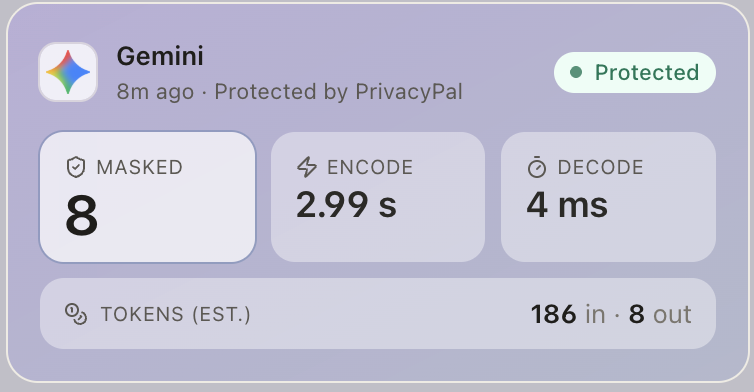
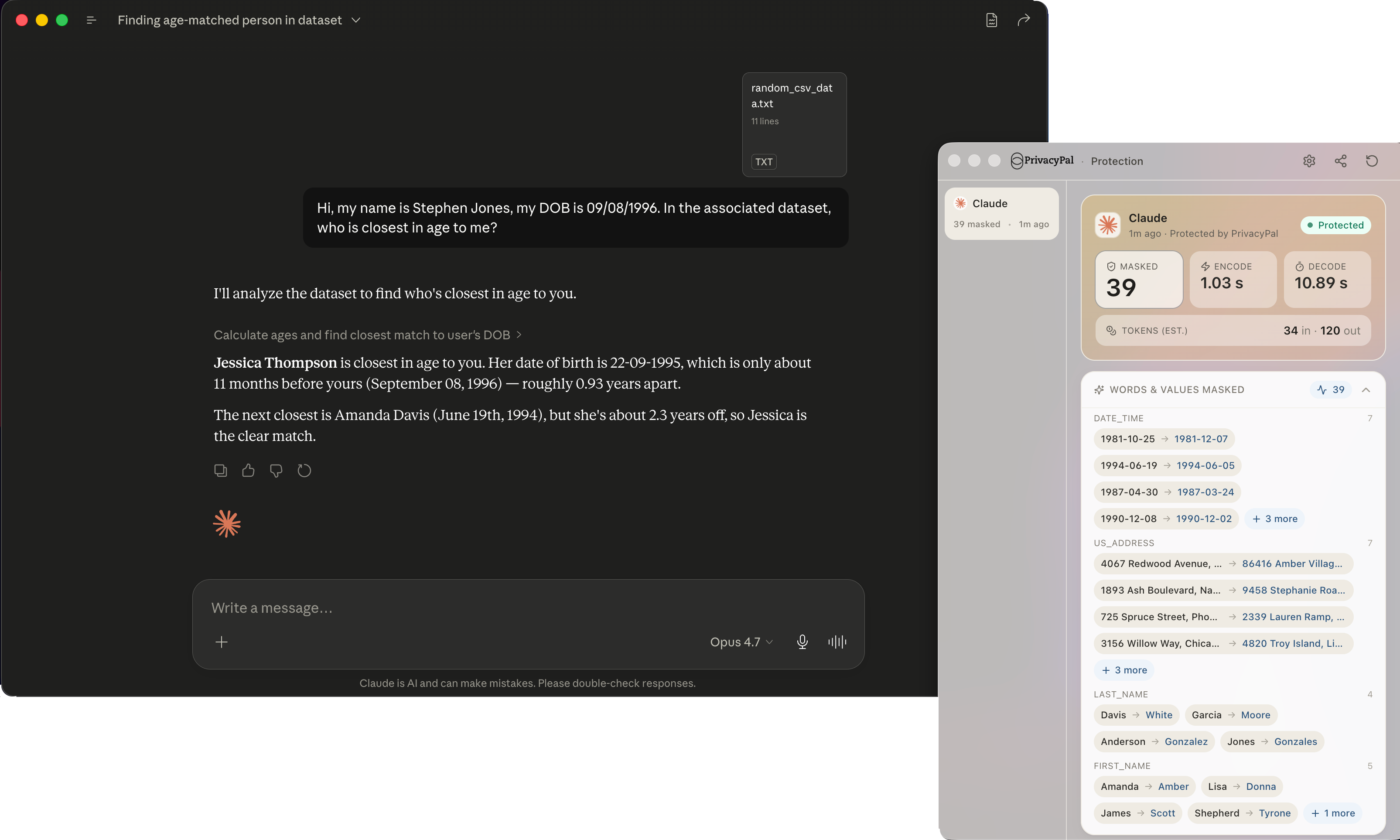
From the moment the agent is active, every AI prompt — in every browser, every desktop app, every SaaS tool — is logged with the app used, data types detected, and any policy actions taken.
Define which AI tools are permitted, which data types are blocked, and which users or teams have elevated access. Rules apply instantly across every enrolled device the moment they're saved.
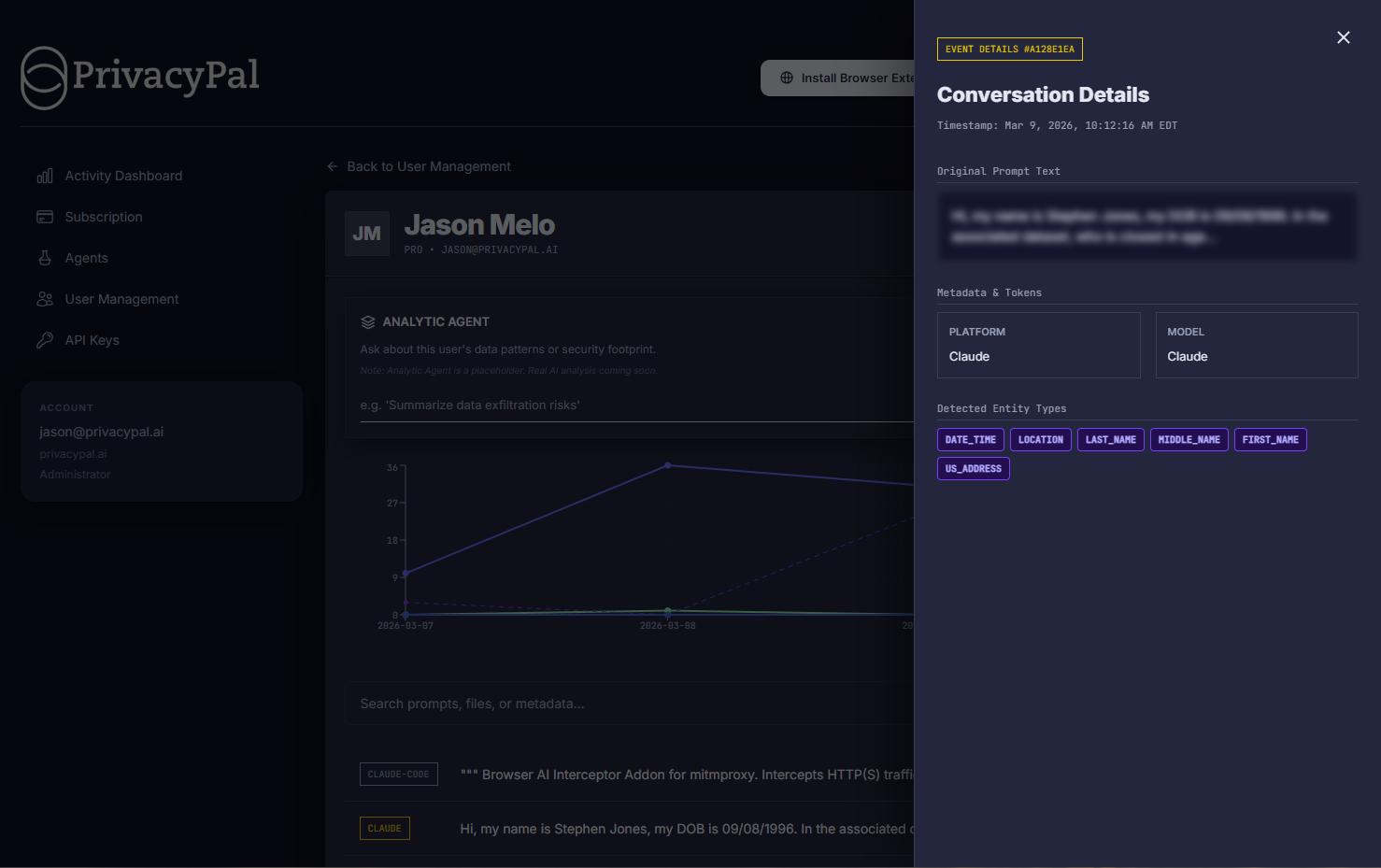
The PrivacyPal Device Control dashboard gives IT and security teams a single pane of glass across all enrolled devices — Mac, Windows, browser, and desktop apps — with no agents to manage per-platform.
See which employees are using AI, which tools they're using, what data types have been detected, and whether any policy violations have occurred — all in one place, updated in real time.
Most AI security tools only see browser traffic. PrivacyPal Device Control monitors both — the browser extension intercepts web-based AI tools like ChatGPT and Claude, while the desktop agent covers native apps like Copilot for Microsoft 365, GitHub Copilot, and local AI tools.
No gaps. No shadow AI usage. Full visibility regardless of how your team accesses AI.
Define an approved list of AI tools for each team or role. When an employee tries to use an unauthorized AI app — even a new one — Device Control blocks the connection at the network level and logs the attempt.
No employee re-training. No policy documents that nobody reads. The rules are enforced at the device level, every time.
Every AI interaction is timestamped, attributed to a user, and tagged with the data types detected. When a compliance review or security audit comes up, your logs are already organized and ready to export.
PrivacyPal Device Control makes it easy to demonstrate exactly what your team has and hasn't sent to AI tools — with the granularity your auditors actually need.
From a 10-person startup to a 500-person operations team, Device Control solves real problems that happen every day.
Your team is using AI tools you don't know about. Device Control surfaces every app on day one so you can make informed decisions about what to allow — not react after a breach.
Auditors are increasingly asking organizations to account for AI tool usage. Device Control gives you a complete, exportable record before the audit request arrives.
Some roles — HR, Legal, Finance — handle data that should never enter a third-party AI system. Device Control lets you define stricter policies for specific teams without affecting everyone else.
Developers use more AI tools than any other team — Copilot, Cursor, Codeium, Claude, and more. Device Control gives engineering managers visibility without micromanaging individual workflows.
Sales reps regularly paste CRM data, client lists, and pipeline information into AI tools. Device Control ensures this data is handled by PrivacyPal's Privacy Twins layer before it reaches any AI.
Remote teams across multiple regions often use different tools and operate under different compliance requirements. Device Control lets you maintain one policy baseline with per-region overrides.
PrivacyPal Device Control monitors AI usage across every way your team accesses AI today.
Chrome, Edge, Firefox, and Safari. Every web-based AI tool is monitored via the browser extension.
Native apps including GitHub Copilot, Cursor, Codeium, and Microsoft Copilot for M365.
Documents, spreadsheets, and PDFs uploaded to AI tools are scanned for sensitive data before transmission.
Developer API calls to OpenAI, Anthropic, and other AI providers are logged and classified.
AI features embedded in Salesforce, HubSpot, Notion, Slack, and other business tools.
iOS and Android coverage for on-the-go AI usage across company-managed mobile devices.
Device Control is built to be invisible to end users — zero performance impact, zero workflow changes.
The PrivacyPal agent uses less than 1% CPU on modern devices in continuous monitoring mode.
Install via MDM push, download link, or direct install — no network changes, no VPN required.
Coverage for all major AI platforms out of the box, with custom rules for new and internal tools.
All AI activity logs retained for 90 days by default, with extended retention available on Team and Business plans.
5-day free trial. 30-day money-back guarantee.