PrivacyPal Family · early access

Their world is full of AI. You hold the keys.

Your kids already talk to AI every day. PrivacyPal Family lets you choose the AI they use, protect who they are, and understand how it shapes them. All without reading a single private word.

Runs on the device Zero-knowledge Set up in minutes

Built on PrivacyPal, the same on-device protection hundreds of companies run at work.

A dad laughing with his two young kids on his shoulders outside at golden hour
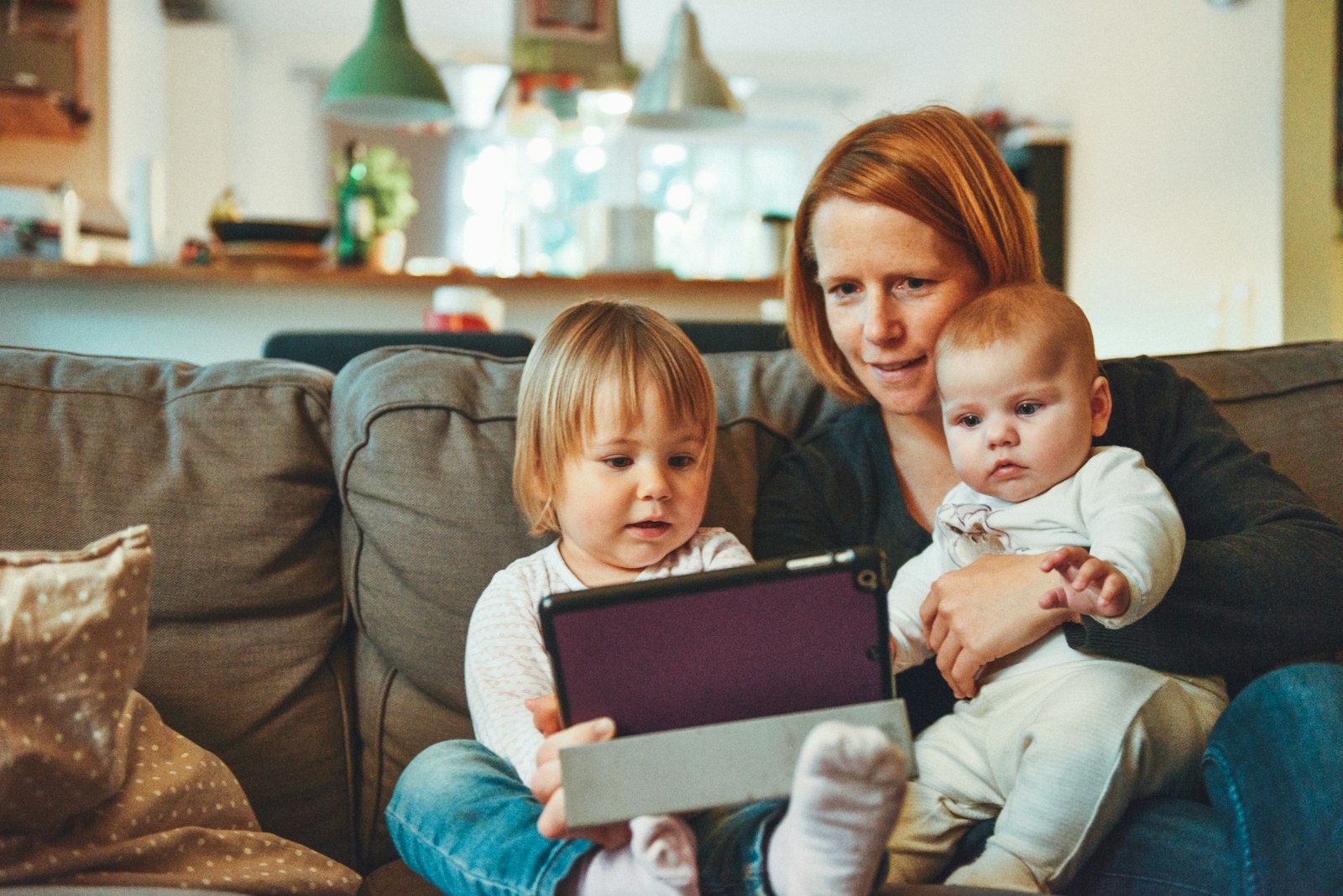
A mom on the couch with her two little kids looking at a tablet together
Real name swappedbefore it left her laptop
Homework mode on4:00 to 6:00 pm
Wellbeing: steadythis week, signals only

Covered everywhere

The AI they already love. All protected.

Nothing to switch, nothing to ban. Your kids keep their favorite AI, in the browser and in desktop apps, and one Pal quietly guards every single one.

ChatGPTprotected
Claudeprotected
Geminiprotected
Copilotprotected
Grokprotected
Whatever's nextcovered on day one

You approve the list in Parent HQ. PrivacyPal guards every app on it, and blocks the ones that aren't.

Why now

AI became their confidant. Nobody asked you.

Homework help. Story ideas. Late-night questions they would never ask out loud. Kids are growing up talking to AI, and every one of those conversations can be stored, analyzed, and remembered by someone else's computer. The only question is whether it happens on your family's terms.

They overshare without knowing

Real names, schools, addresses, feelings. To a child, an AI chat feels private. It is the opposite: it can be the most permanent record of their childhood.

You can't see the relationship

Which AI do they trust? What do they ask when no one is watching? How is it affecting them? Today, parents get zero visibility and zero say.

Banning AI isn't the answer

AI fluency is the skill their future runs on. The goal isn't less AI. It's AI on your terms: safe, private, and healthy, while they excel.

How it works

Three steps. Then it just works.

No firewall settings. No router surgery. No weekly rule tuning. PrivacyPal Family is effortless by design: set it up once, and protection follows your kids to every AI they touch.

1
~10 min

Put a Pal on every device

Install once on the family Mac or PC. Phones and more are rolling out to early access families. Kids keep using ChatGPT, Gemini, Claude, and Grok exactly as before.

2
~5 min

Pick your keys

Approve the AI tools you trust, pick each child's stage (Explorer, Navigator, or Pilot), and choose what can never leave your house: names, school, address, photos, feelings.

3
0 min

Live your life

Protection runs silently on the device. Parent HQ shows you what matters in realtime, and your kids never feel a thing until something needs you.

What you get

Four superpowers. One quiet app.

Everything PrivacyPal builds for the world's most careful companies, re-imagined for the people you care about most.

Guardrails

You approve the AI tools and apps your kids can use. Anything else is blocked and gently redirected to a safer, parent-approved alternative. Homework mode keeps school hours on task.

Privacy Twins

The moment your child types their real name, school, or address, PrivacyPal swaps in a safe stand-in on the device itself. The AI still helps. Their real identity never leaves your house.

Family Memory

See what AI remembers about each child, in plain language. Keep the helpful parts, and erase anything forever with one tap. Erase means erase, even for work in flight.

early access

Pal Agents

Small on-device helpers that watch out for your child, not over them. The Wellbeing Signal spots mood shifts in how they talk to AI. Answer Guard checks that what AI says back is age-right and manipulation-free.

Privacy Twins

What the AI sees vs. who your child is

This is the same Privacy Twin technology enterprises pay for, working for your kid's homework. The swap happens on the device, in milliseconds, before anything is sent.

What your child types
"Write a story about me, Timmy Johnson, who goes to Lincoln High School in Austin, TX."
Without PrivacyPal, this goes to corporate AI servers
What the AI receives
"Write a story about me, [Alex], who goes to [Washington High] in [a sunny city]."
Real identity swapped with a Privacy Twin, on the device
Parent HQ

Know it in realtime. Change it in one tap.

One warm, simple home screen for your family's whole relationship with AI: which tools they use, what got protected, and how they are doing. Signals, not transcripts. You stay informed without reading their words.

01 · Wellbeing Signal · early access

Understand how AI is shaping them, without spying

A Pal Agent runs on the device and reads the emotional weather of your child's AI conversations: energized, curious, anxious, withdrawn. You see the trend line and get a gentle nudge when something shifts. You never see their words.

Psychological sentiment, summarized

Weekly mood trends per child, computed on the device by the same agent technology from PrivacyPal Max.

Conversation-starter nudges

"Maya seemed frustrated with math this week" arrives with a suggested opener, so the next talk happens at dinner, not in a chatbot.

Guardrails, not surveillance

Transcripts are never shown, stored off-device, or sold. Your child can see exactly what you see. That is the deal, and it is written into the product.

Three teenagers with their arms raised celebrating at sunset on a rooftop
02 · Answer Guard · early access

The AI talks back. We check what it says.

Protecting what goes in is half the job. Answer Guard reads what comes back, on the device, so the AI your kid trusts stays age-right, honest, and free of manipulation.

Age-right by stage

Answers are checked against your child's stage, so an Explorer gets Explorer answers, and a Pilot isn't treated like a toddler.

Manipulation, blocked

Hidden instructions and jailbreak tricks aimed at your kid's AI are stopped by the same Prompt Injection Guard that protects PrivacyPal's enterprise customers.

Loops you in when it matters

If a conversation turns heavy, you get a gentle nudge to check in. Never a transcript, always a conversation starter.

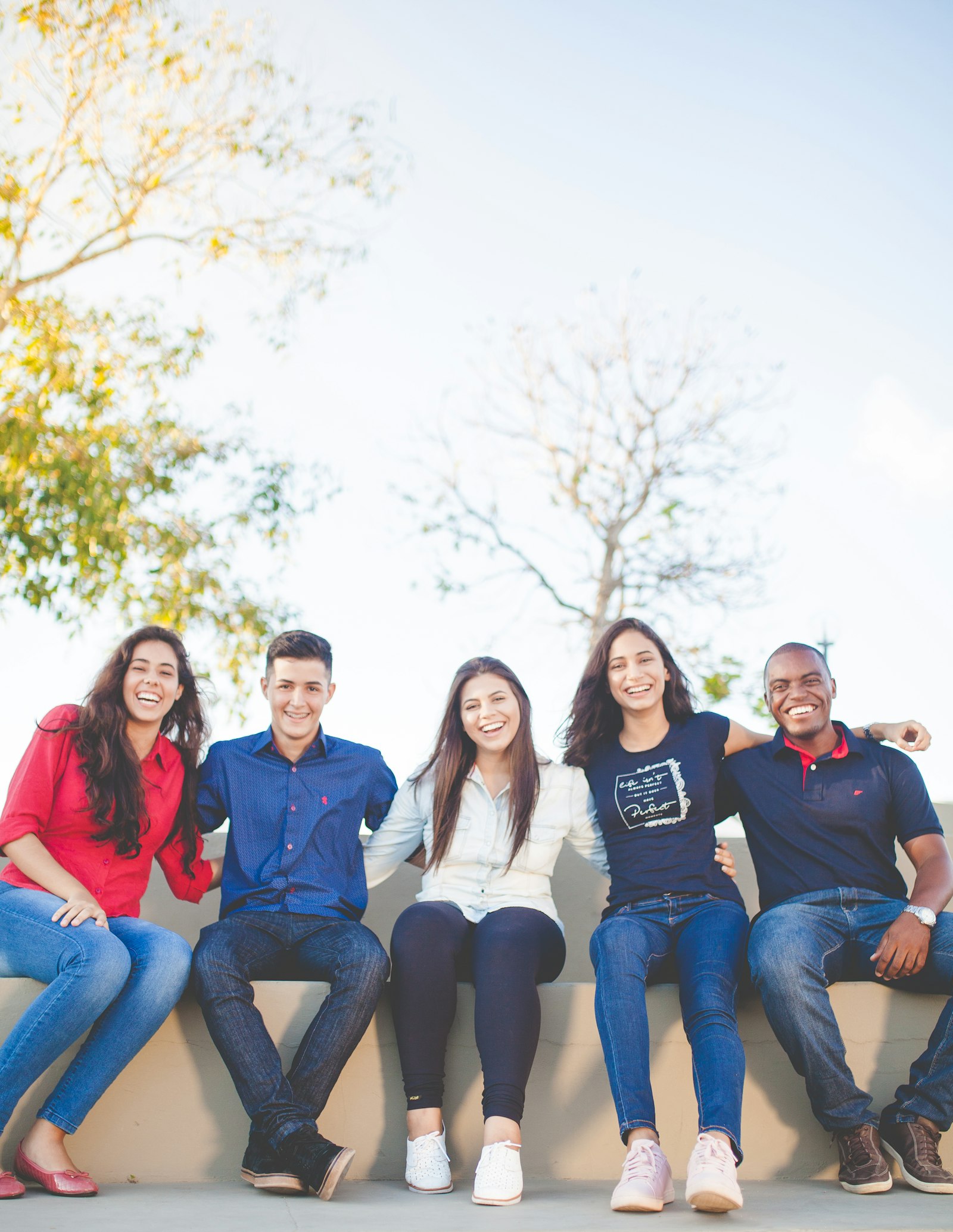
Five smiling teenagers sitting together outside
Grows with them

Little kid to almost-grown. One family plan.

Pick a stage per child. PrivacyPal Family loosens the guardrails as they earn them, so protection matures the way parenting does: more trust, never less safety.

Ages 5–9

Explorer

  • Only parent-approved AI, nothing else opens
  • Every identity detail swapped, always
  • Kind, kid-safe answers checked by a Pal Agent
  • Screen-time windows you set once
Ages 10–13

Navigator

  • Approved AI plus homework mode on school days
  • Identity always protected, feelings stay private
  • Wellbeing Signal trends in Parent HQ
  • Answer Guard keeps AI replies age-right
Ages 14–17

Pilot

  • Freedom to choose tools, identity still protected
  • Signals-only wellbeing, no activity feed
  • They review their own AI memory and erase it
  • Graduation path: their own PrivacyPal at 18
Everywhere they go

Protection that follows them across devices

One family plan covers the household. Desktop protection ships today; early access families help us bring the same quiet safety to pockets, backpacks, and faces.

Macavailable now
Windowsavailable now
iPhone & iPadearly access
Androidearly access
Smart glasseson the roadmap

Wherever AI shows up next, the keys stay with you. That is the point of building on-device.

Real technology, shipping today

Not a promise. A product.

PrivacyPal Family runs on the same engine that protects hundreds of companies right now: on-device interception, Privacy Twins, and private memory with mechanical erasure. Here it is working inside a real AI chat.

Milliseconds, not minutes

Interception averages a third of a second. Kids never notice it is there.

Zero bytes of real identity to AI providers

Swaps happen before anything leaves the device. In our internal benchmark, remembered personal values never reached a provider.

Works with the AI kids actually use

ChatGPT, Claude, Gemini, Copilot, and Grok, on the web and in desktop apps.

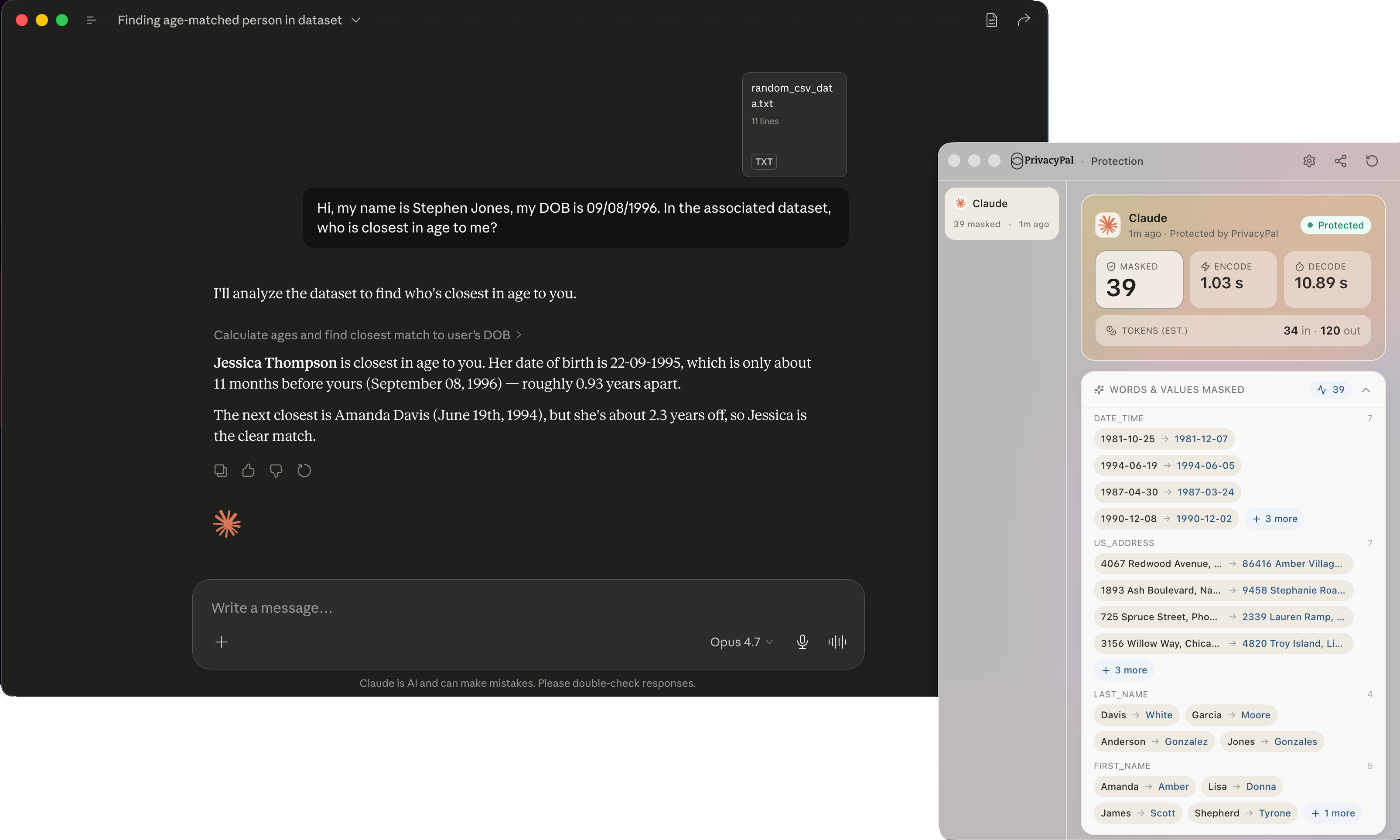
Actual PrivacyPal screenshot: a Claude conversation with sensitive details being protected in realtime
Actual PrivacyPal screenshot: the realtime activity feed showing protected items
The realtime activity feedactual product screenshot: every swap, logged for you
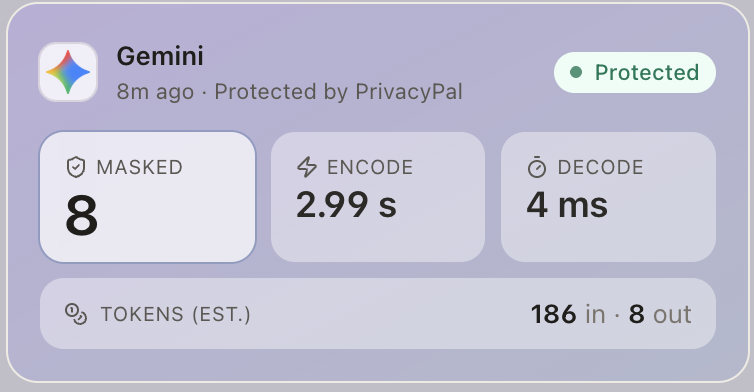
Actual PrivacyPal screenshot: a Gemini prompt protected by Privacy Twins
Protection inside Geminiactual product screenshot: the swap your child never notices
The part we care most about

Built to protect your relationship, too

Spyware makes kids hide. PrivacyPal Family is guardrails, not surveillance: kids always know it is there, always see what you see, and feelings stay private by design. Trust is the feature.

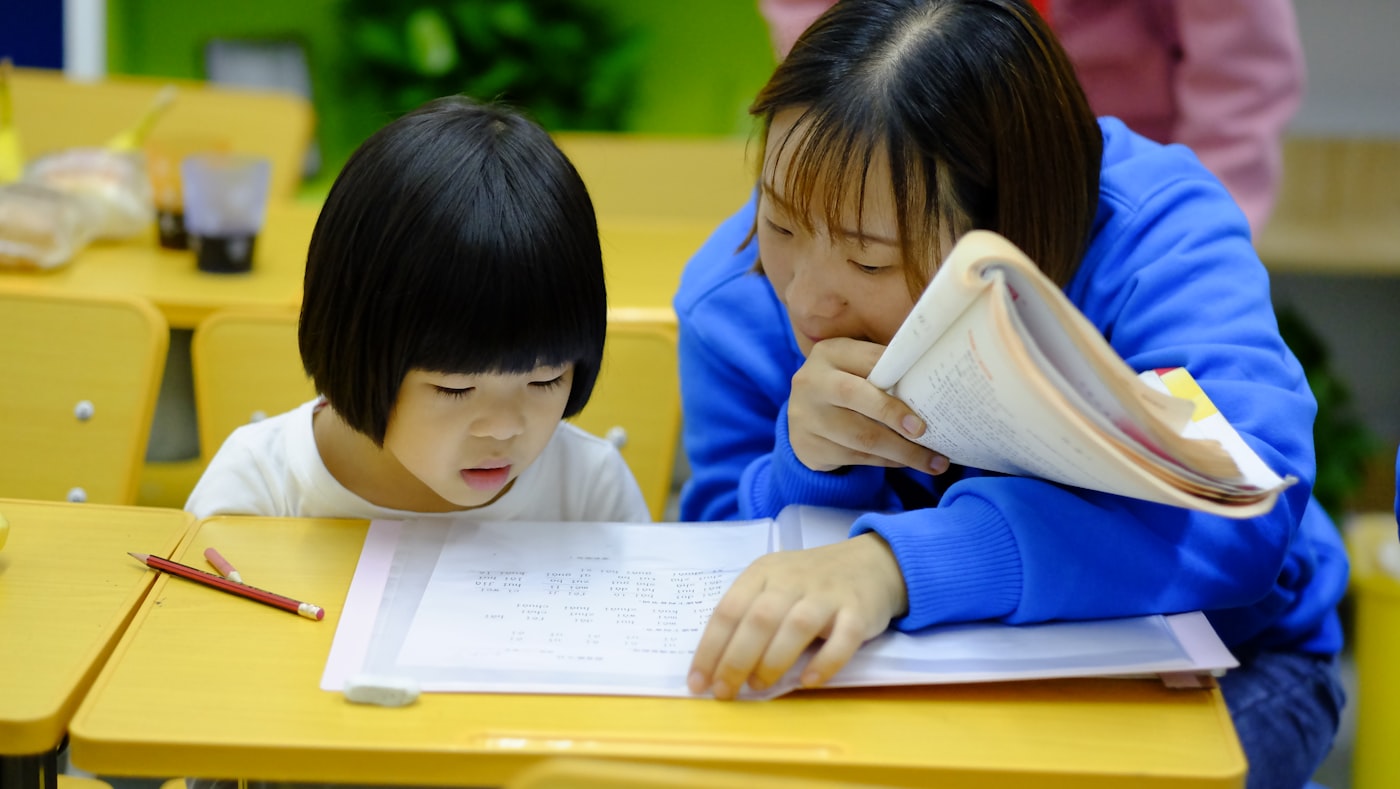
A mother and her daughter doing homework together at a desk
A little girl covered in paint laughing outdoors
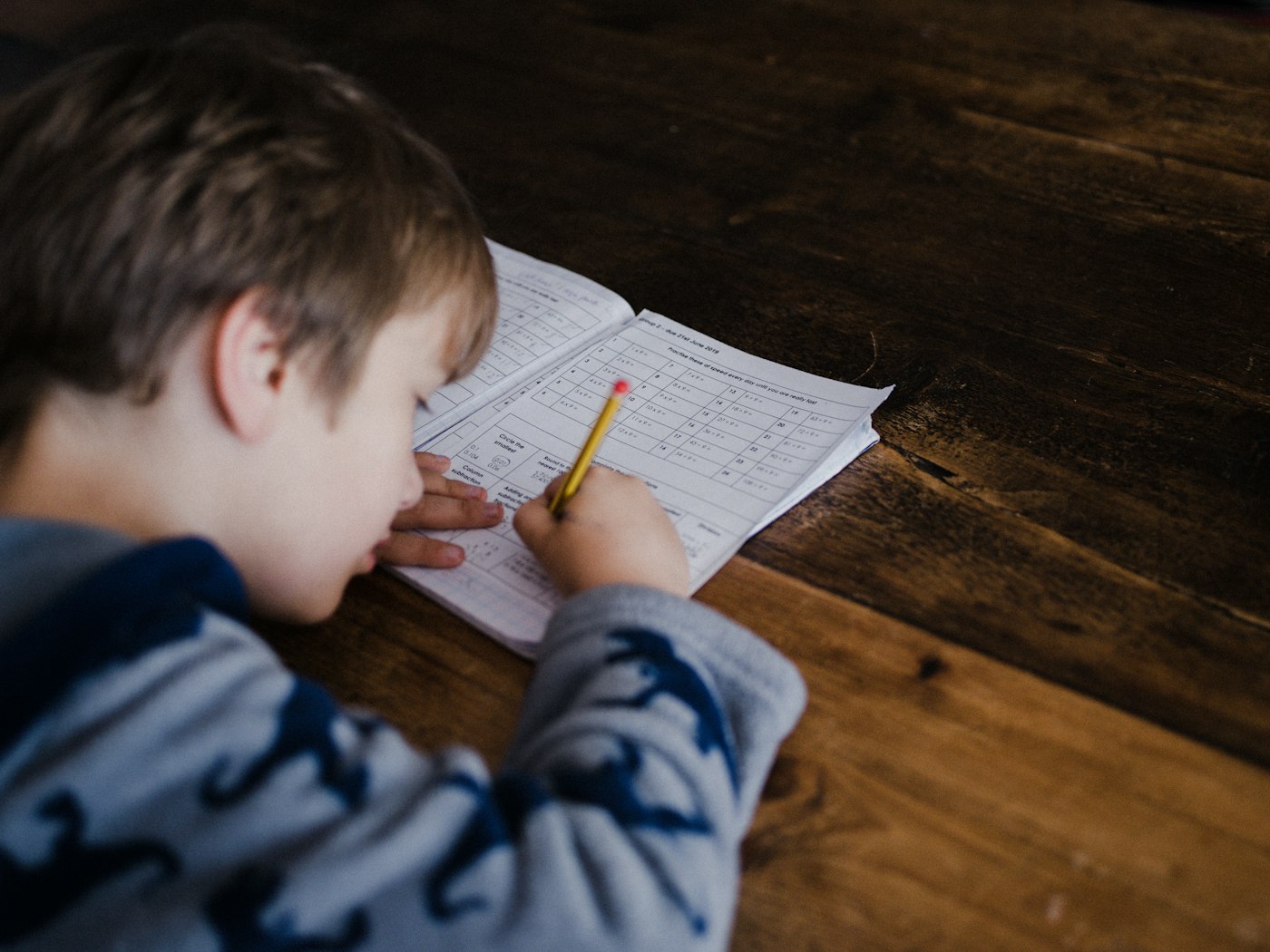
A boy concentrating on homework with a pencil
Plans

Whole-family protection, pocket-money price

One plan. Up to 5 family members, every stage, every device.

PrivacyPal Family home plan
$9.99/month

Covers up to 5 family members on Mac and PC. Mobile joins the same plan as it rolls out.

  • Up to 5 family members
  • Guardrails: approve, block & redirect AI tools
  • Privacy Twins identity protection, on-device
  • Family Memory with one-tap erase
  • Works with ChatGPT, Gemini, Claude, Copilot & Grok
  • Homework mode & set-and-forget silence
Get early access

5-day free trial · 30-day money-back guarantee · cancel anytime

Questions parents ask

Fair questions. Straight answers.

Is this spyware on my kid?
No, and we built it to be the opposite. PrivacyPal Family never shows you transcripts of what your child says to an AI. You see signals: which tools they used, what identity details we protected, and wellbeing trends. Your child can open their own view and see exactly what you see. Kids who know the deal don't need to hide.
Will it slow down or break the AI tools my kids use?
No. Protection runs on the device and adds around a third of a second. ChatGPT, Gemini, Claude, Copilot, and Grok keep working exactly as before, in the browser and in desktop apps. Most kids never notice it is running.
What exactly gets protected?
Real names, home address, phone numbers, school names, health details, and dozens more identity data types. The moment one is typed or uploaded, it is swapped with a safe stand-in (a Privacy Twin) before anything leaves the device. The AI's answer still makes sense; the real detail never left your house.
What can I control from Parent HQ?
Approve or block AI tools per child, set homework mode hours, choose each child's stage (Explorer, Navigator, Pilot), decide what can never be shared, review what AI remembers about each child, and erase it with one tap. Changes apply to their devices in realtime.
What does "erase what AI remembers" actually do?
PrivacyPal keeps the memory your family builds with AI in a protected vault that only your family holds the keys to. Erasing destroys those keys, which makes the memory unreadable everywhere, permanently, even for work in flight. Erase means erase; it is a mechanism we test, not a settings toggle we hope providers honor.
Which devices are covered today?
Mac and Windows (browser and desktop AI apps) are covered now, for up to 5 family members. iPhone, iPad, and Android are rolling out to early access families, and wearables like smart glasses are on the roadmap. One plan covers all of it as it ships.
When do the wellbeing features arrive?
Wellbeing Signal and Answer Guard are in early access now. Founding Families get them first and help shape how they work. Everything on this page marked "early access" is in active testing with real families before general release.
Founding families

Hold the keys. Let them fly.

Join early access and shape the way families everywhere raise kids alongside AI. Founding Families get 50% off their entire first year.